
There’s a certain irony to getting lost while trying to meet someone in the age of smartphones. Recently, a friend who lives in another city was visiting my town and wanted to catch up. As luck would have it, I was already in the same neighbourhood, so meeting up seemed simple enough. Or so I thought.
When I called him, he asked me to share my live location on Google Maps so he could find me. Normally, that would have taken all of ten seconds. But on that particular day, my mobile internet had other plans. The connection kept dropping in and out, and Google Maps simply refused to cooperate. Every attempt to share my real-time location ended with a loading spinner and no actual location being sent.
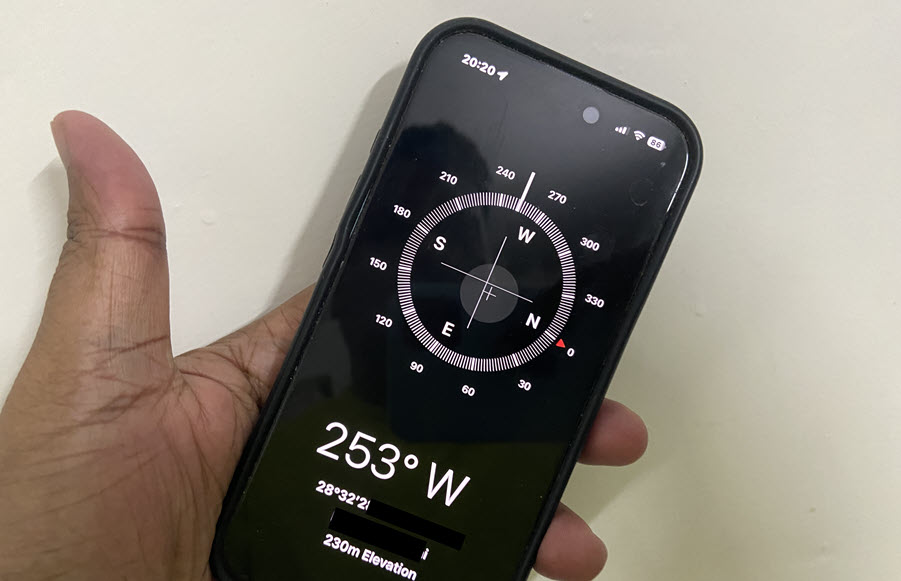
Standing on a busy street corner, I suddenly remembered a tip someone had mentioned to me months earlier. Instead of relying on Google Maps, they suggested using the Compass app on the iPhone to share precise coordinates.
At the time, it sounded like one of those obscure smartphone tricks you hear once and promptly forget. But with my internet connection behaving like it was on a tea break, I decided it was worth a try. To my surprise, it worked.
Share real-time location without using Internet
The Compass app can display your exact latitude and longitude coordinates. Once you have those numbers, you can send them through a text message app. The other person simply enters the coordinates into Google Maps, and they’re taken directly to your location.
It’s not quite as convenient as live location sharing. Your friend won’t see you moving around in real time, and you won’t get the reassuring blue dot creeping closer to your position. But when data connectivity is weak, or location sharing isn’t working properly, it can be a remarkably effective backup plan.
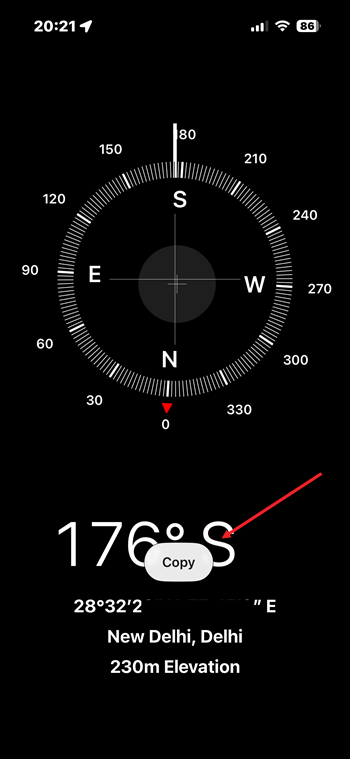
Using the trick is surprisingly simple. Open the Compass app on your iPhone and look just below the compass dial. You’ll see a set of numbers showing your current latitude and longitude coordinates.
Press and hold on the coordinates to select and copy them.
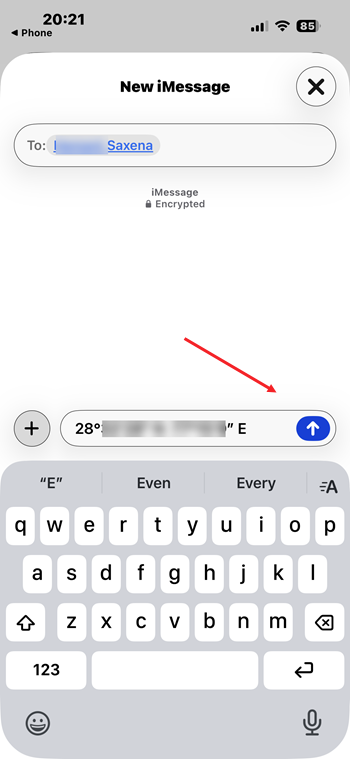
Next, open your preferred messaging app, choose the person you’re trying to meet, and paste the coordinates into a message.
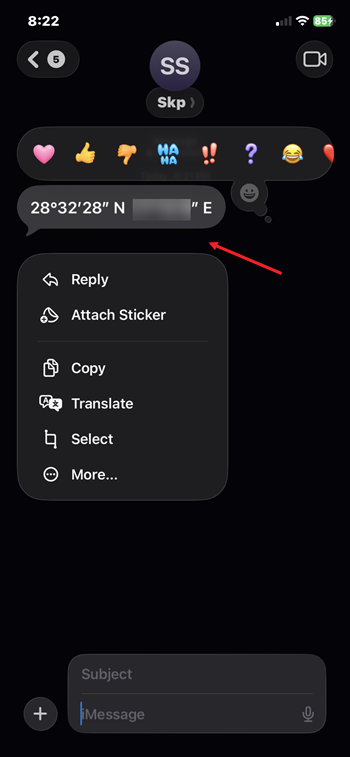
Once they receive it, all they need to do is copy those coordinates and paste them into Google Maps.
The app will pinpoint your exact location and guide them right to you.
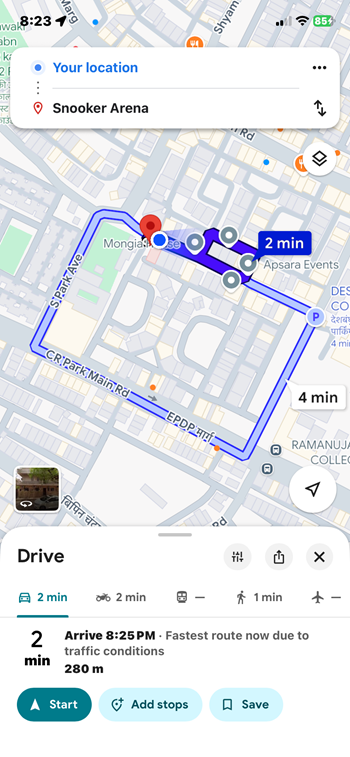
Not bad for an app most of us forget exists until we accidentally swipe past it, right?
Most people think of the Compass app as something you might use on a hiking trail or during a camping trip. In reality, it’s hiding a surprisingly useful feature that can help in everyday situations. Whether you’re meeting someone in a crowded market, trying to guide a visitor through an unfamiliar area, or dealing with unreliable mobile data, sharing coordinates can get the job done.
The best part is that many iPhone users already have the tool installed and may not even realize it.
If you’ve ever found yourself repeatedly tapping “Share Location” only to watch nothing happen, this little Compass trick might save you from an unnecessary game of phone-tag. After all, sometimes the simplest backup solutions are hiding in apps you’ve never bothered to open.