Last updated on June 6th, 2026 at 03:24 pm
If you wear glasses, you’ve probably experienced that brief moment of disappointment whenever a new piece of tech promises an immersive visual experience. The excitement is quickly followed by a practical question: Will this work properly with my glasses?
That concern becomes even more relevant with devices like the Apple Vision Pro. The headset is designed to place digital content seamlessly into your surroundings but achieving that effect depends heavily on clear vision. For millions of people who rely on prescription eyewear every day, wearing a bulky headset over glasses isn’t exactly an ideal setup.
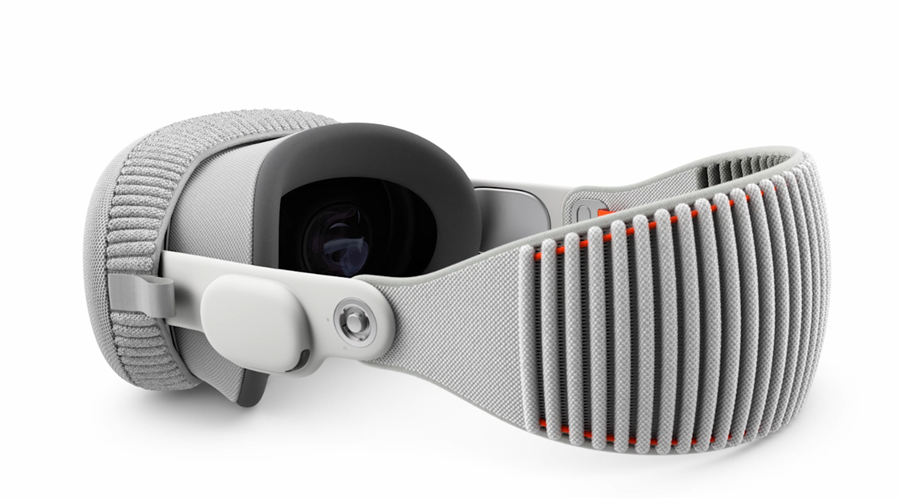
Apple seems to have anticipated this challenge. So, rather than asking users to compromise on comfort or visual quality, the company partnered with ZEISS to create optical inserts specifically designed for Vision Pro. These custom prescription lenses attach directly inside the headset, allowing users to enjoy the experience without squeezing their glasses underneath. Here’s a guide that walks you through the process of setting up Zeiss Optical Inserts for Apple Vision Pro.
Setting Up ZEISS Optical Inserts for Apple Vision Pro
Once your ZEISS Optical Inserts arrive, setting them up with your Apple Vision Pro only takes a few minutes. Before you begin, place the protective cover on your Vision Pro to help prevent scratches on the front glass whenever you set the headset down.
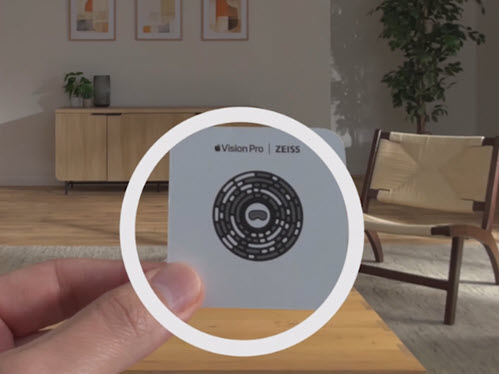
You’ll need two things for the setup process: the optical inserts themselves and the pairing code that came with them. Apple includes this code on a card inside the box. If you’ve misplaced the card, don’t worry—you can generate a recovery code by visiting the website.
With the cover attached, place your Apple Vision Pro on a stable surface such as a desk or table. If this is your first time installing optical inserts, you may find it easier to remove the Light Seal and Solo Knit Band, although the setup can also be completed with the headset fully assembled.
Take a close look at the inserts and locate the “L” and “R” markings. This step is important because each insert is designed specifically for the left or right display.
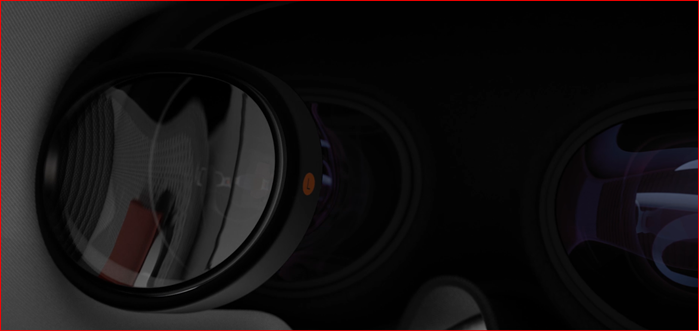
Align the left insert with the left display inside the headset and gently place it into position. The magnets will automatically pull it into place. Repeat the process with the right insert.
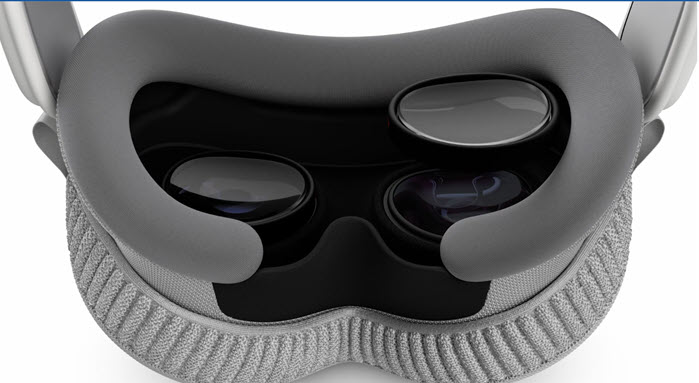
After both inserts are installed, remove the protective cover, connect the battery, and put on your Apple Vision Pro. Adjust the fit until it feels comfortable.
Next, you’ll need to align the displays. Press and hold the Digital Crown until a green checkmark appears. Shortly afterward, a prompt asking you to pair your new optical inserts should appear in the headset.
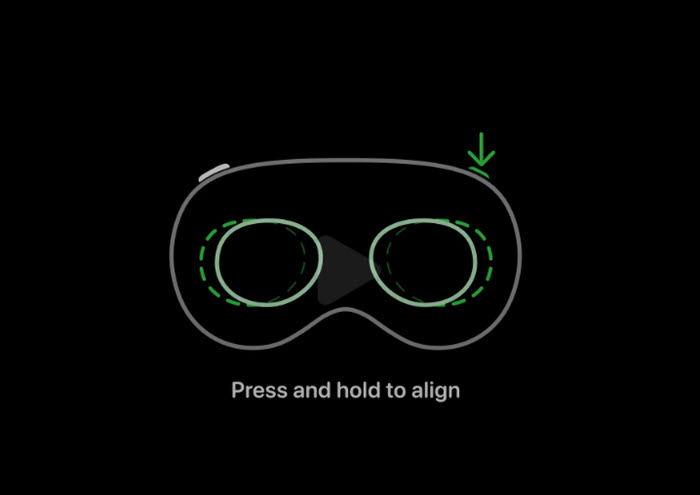
If you don’t see the prompt, press the top button four times. Then rotate the Digital Crown until you reach the “Pair New Optical Inserts” option and press the Digital Crown to begin.
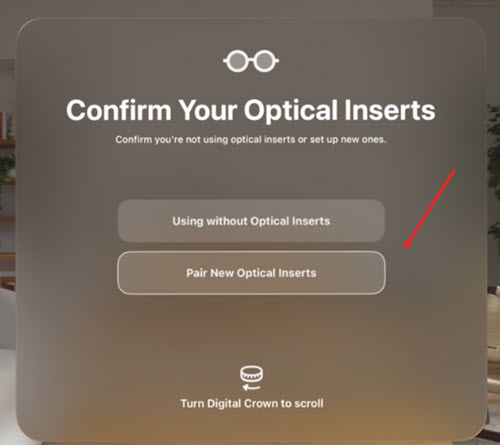
When prompted, look at the pairing code that came with your optical inserts and follow the on-screen instructions. Once the inserts are paired, Apple Vision Pro will automatically begin the hand and eye setup process.
If the displays feel too close to your eyes or you see a message suggesting additional space is needed, switch to the thicker Light Seal Cushion included with your headset.
After setup is complete, Apple Vision Pro will automatically recognize your ZEISS Optical Inserts whenever you reattach them in the future, eliminating the need to repeat the pairing process.
In my opinion this step from Apple is a thoughtful solution to a problem that could have easily become a barrier for many potential users. After all, immersive technology is supposed to make digital experiences feel more natural and not force people to choose between comfort and clear vision.
By bringing prescription correction directly into the headset, Apple ensures that people who wear glasses can experience Vision Pro the way it was intended: with sharp visuals, a comfortable fit, and fewer distractions. In other words, needing glasses doesn’t have to mean settling for a second-class mixed reality experience.